
The call came in at 4:47 on a Friday. Our biggest software vendor wanted to know why we hadn’t responded to the renewal notice they sent in March. It was now late June. The contract auto-renewed in eleven days at a 22% price increase we had a 60-day window to contest. That window had closed three weeks earlier.
I dug through the inherited shared drive, the old procurement inbox, and a Slack channel called #contracts-stuff. The renewal notice was there. Nobody had opened it. Nobody owned it. There was no list anywhere of what we had, when it ended, or who was supposed to care.
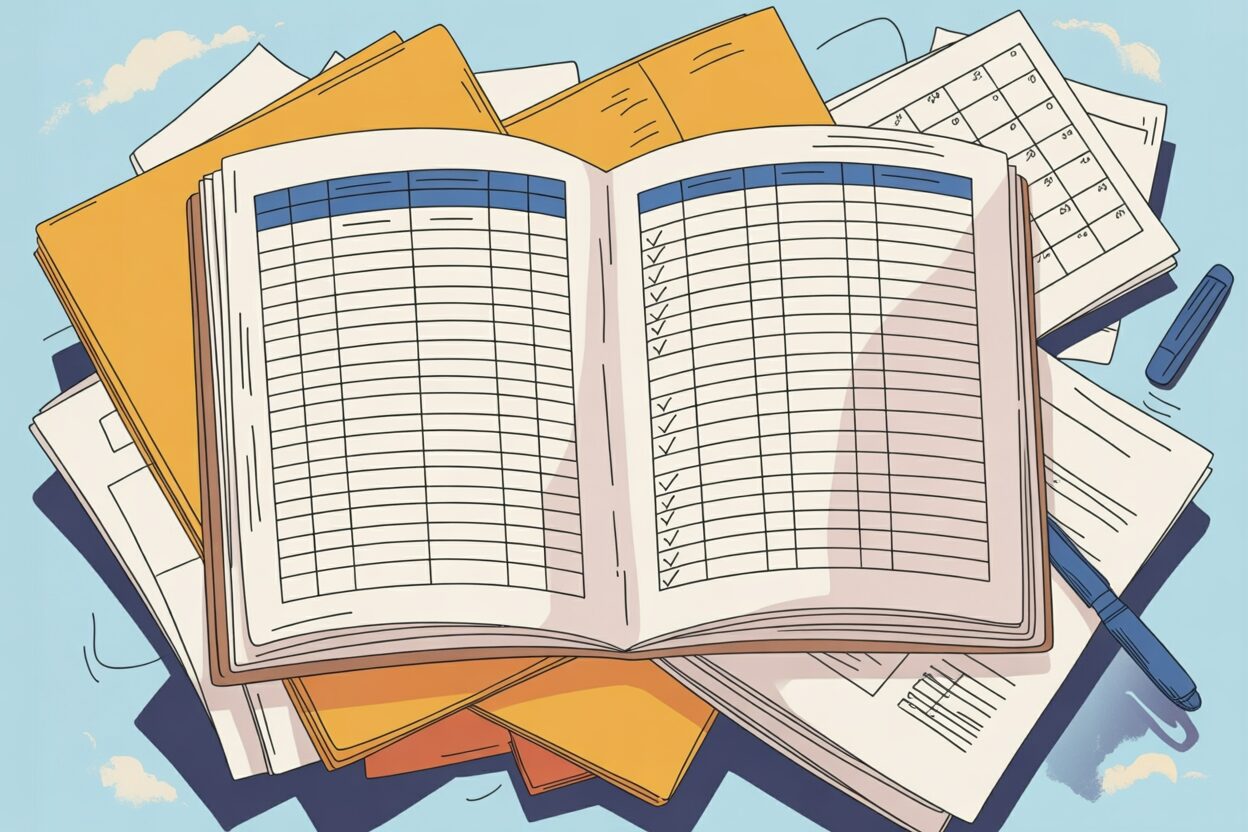
That weekend I built the contract tracking spreadsheet I still use today, three companies later. It is not fancy. It does not need to be. It just needs to keep Friday afternoons from turning into Friday evenings.
Why this keeps happening at normal companies
Renewal fire drills are not a sign that you are bad at your job. They are a sign that contracts get signed by one person, stored by a second, and forgotten by a third.
Sales signs the customer deal and moves on. Finance pays the invoice and codes it to a GL account. The person who negotiated the original terms left two years ago. The vendor’s notice goes to a generic AP inbox that nobody reads on purpose.
A contract is a promise that lives in the future. Most company systems are built to handle things that happened in the past. That mismatch is the whole problem, and a spreadsheet is the cheapest way to bridge it.
The columns I actually use

I have tried thirty-column versions of this. I have tried color-coded versions with conditional formatting that broke every time someone opened the file in a different version of Excel. None of it survived contact with a real renewal cycle.
Here is the list I have settled on. Twelve columns. That is it.
- Contract Name — what a human would call it, not the legal title. “Acme CRM” beats “Master Services Agreement dated July 14.”
- Counterparty — the other company’s name. Just the name.
- Type — vendor, customer, NDA, lease, employment, other. Pick one.
- Owner — a real person at your company. Not a team. Not a department. One name.
- Effective Date — when the contract actually started.
- End Date — when the current term ends.
- Auto-Renew? — yes or no.
- Notice Window — the number of days before End Date that you must give notice. 30, 60, 90.
- Notice Deadline — End Date minus Notice Window. This is the date that actually matters.
- Annual Value — what it costs you or pays you per year. Round to the nearest thousand.
- Where the PDF Lives — a link to the signed document. Not the folder. The document.
- Notes — one line. Anything weird. “Price increase capped at 5%.” “Termination for convenience requires board approval.” “Vendor went through acquisition in 2025.”
That is the whole thing. If you can fill these in for every active contract, you will catch 95% of the problems that ruin Friday afternoons.
Columns you should delete
The reason people abandon contract tracking spreadsheets is that they try to track too much. Every column you add is a column someone has to update, and the first one nobody updates poisons the trust in all the others.
If you inherited a tracker that has any of these, delete them:
- Status with more than three values. “Active,” “Expired,” “Terminated.” That is the entire vocabulary.
- Risk Score or Risk Level. Nobody agrees on what these mean and nobody updates them.
- Department. Tied to the Owner column. Redundant.
- Negotiation History. This belongs in the email thread or the contract folder, not the tracker.
- Original Signer. They left. It doesn’t matter.
- Insurance Limits, Indemnity Caps, Governing Law. Pull these from the PDF when you need them. Don’t try to mirror the contract into the spreadsheet.
- Last Reviewed Date unless you actually have a review cadence (more on that below).
- Anything with the word Compliance in the name unless you can name the regulation it maps to.
The test I use: if I imagine the column empty for 80% of rows in six months, I delete it now.
The review cadence that keeps it honest
A spreadsheet is only as good as the last time someone looked at it. I do three things on a fixed schedule, and I put them on my calendar as recurring meetings with myself.
Every Monday, 15 minutes. I sort by Notice Deadline ascending and look at anything with a deadline in the next 90 days. For each one I send a short email to the Owner: “Heads up, the Acme renewal notice window closes August 14. Are we renewing, renegotiating, or letting it lapse?” That’s it. The point is to surface the decision early, not make it.
The first business day of every month, 45 minutes. I add new contracts signed in the last month and mark anything that ended as Expired. I also check the Owner column for anyone who left the company and reassign. This is also when I check that the PDF links still work, because shared drives move and links break.
Twice a year, two hours. Usually January and July. I read every row. I delete expired contracts older than the document retention policy. I look for patterns — three contracts with the same vendor that should probably be consolidated, a stack of NDAs from 2022 that never led anywhere, a customer whose annual value tripled but whose contract is still on the original template.
That January read is also when I look for the column I have been ignoring for six months. If I have not used a column twice in six months, I delete it.
How to fill it in the first time
If you are starting from nothing, do not try to build the perfect tracker first. Build the ugly tracker today.
Sit down for two hours with whoever can give you access to the signed contracts. Pull every active agreement you can find. Fill in Contract Name, Counterparty, End Date, and Owner for each one. Skip everything else. Get to a state where you have a list, even if half of it is incomplete.
Then over the next two weeks, fill in Notice Window, Auto-Renew, and the PDF link for the top twenty contracts by Annual Value. The long tail can wait. A spreadsheet that covers your top twenty contracts on day one beats a perfect spreadsheet that covers everything in six months.
Do not wait to start until you have software. Software will not save you. The tracker is the discipline. The software is just where you put the discipline once you have proven it works.
When the spreadsheet has outlived its usefulness
I am not anti-software. I am anti-software-too-early. There is a real point where the spreadsheet stops being the right tool, and you should know what it looks like.
You have outgrown the spreadsheet when:
- More than three people need to edit it at the same time and you keep getting merge conflicts or “file locked by another user” warnings.
- You have more than about 300 active contracts and the Monday review takes more than an hour.
- You need actual permissioning — sales can see customer contracts but not vendor contracts, finance can see everything, legal can edit but ops can only view.
- You need to attach and search inside the contract text itself, not just track metadata about it.
- You are doing the same redline against the same vendor’s paper for the tenth time and want a clause library.
- Audit, security review, or a customer questionnaire keeps asking you to produce contracts by clause type and the spreadsheet cannot answer.
If none of those are true, you do not need contract software yet. You need a cleaner spreadsheet and a Monday calendar block. I have run contract tracking for a 180-person company on the twelve columns above for two and a half years. It worked because I reviewed it, not because the tool was clever.
When you do graduate to software, the spreadsheet is what you migrate. The columns become the fields. The discipline is what makes the rollout actually stick, instead of becoming a $40,000 system that nobody updates.
Do this today
Open a new sheet. Put the twelve column headers across the top. Fill in your five biggest contracts by annual value. Put a 15-minute recurring meeting on your Monday calendar called “Contract Review.” Send yourself one email to the Owner of whichever contract has the soonest Notice Deadline.
That is the entire system. The Friday afternoon vendor call I opened this article with cost us about $90,000 over the next three years because we missed a 60-day window. The spreadsheet I built that weekend has, by my count, prevented at least six similar calls since. It is twelve columns and a calendar reminder. That is the whole product.
I’m Dave, and I write about contract management the way it actually works. No jargon, no sales pitch, just what I’ve learned from 15+ years of doing this job. If this was useful, stick around.
Leave a Reply