
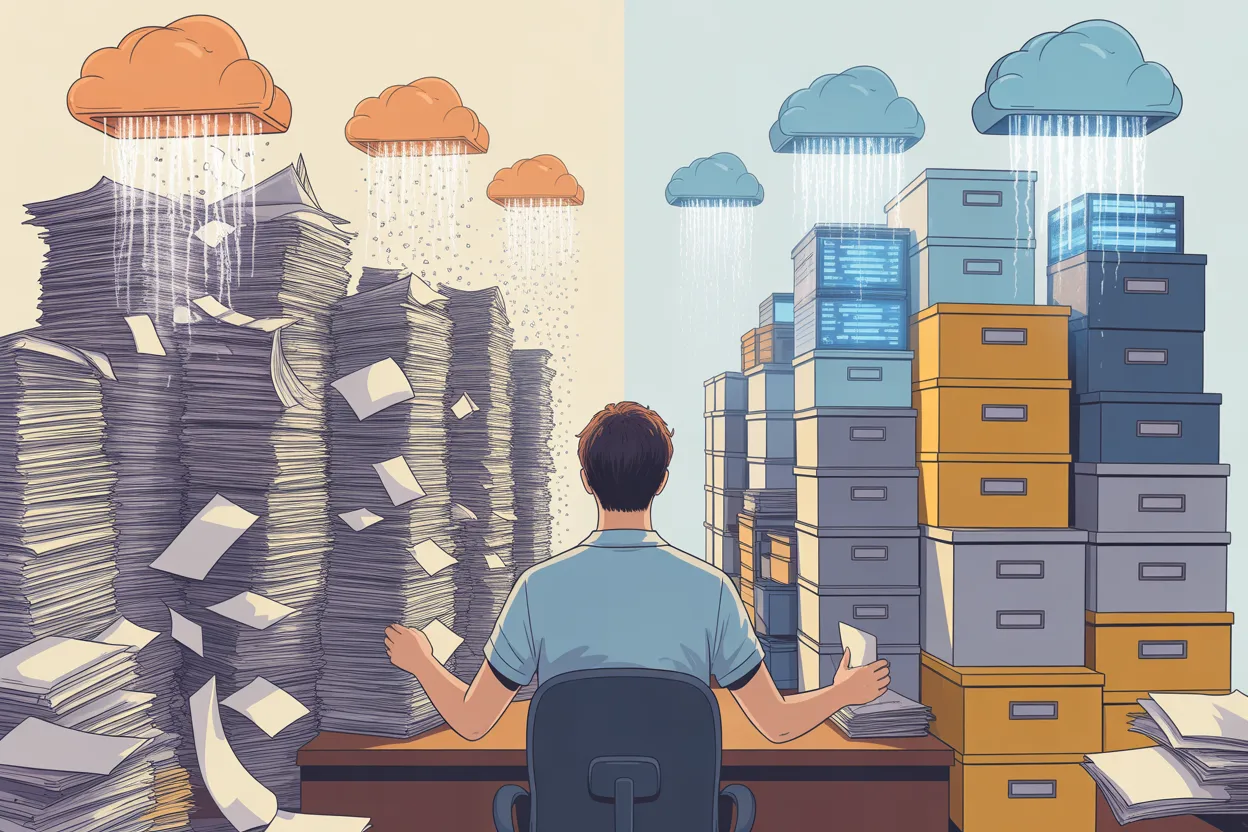
I’ve referenced this story in passing a few times already, so I figured I should tell the whole thing. It’s the story of how I went from “where are the contracts?” to “I can find anything in 90 seconds” in a single workday. It’s not a heroic tale. It’s more of a cautionary one that happened to have a happy ending.
The Mess I Walked Into
I started at this company on a Monday. By Wednesday, I’d asked what I thought was a simple question: “Where do we keep our contracts?”
The answer, delivered across several conversations with several people who each thought someone else was in charge, went something like this:
There was a shared drive on the company server. Actually, there were six shared drives, because different departments had set up their own over the years. Legal had one. Procurement had one. Sales had one that was mostly proposals but also had some signed agreements mixed in. Finance had a folder inside their drive that someone had labeled “Contracts & Stuff.” IT had a drive that nobody could fully access because the person who’d set up the permissions had left.
Then there was the filing cabinet. Karen’s filing cabinet. Karen had been the office manager who informally handled contracts before the company grew past the point where that was sustainable. Karen left eight months before I arrived. Nobody had opened the cabinet since.
And then there was email. At least two executives had a habit of saving signed PDFs as email attachments and considering that “filed.”
I spent that first Wednesday just writing down locations. When I finished, I had eleven places where contracts might be living: six shared drives, one filing cabinet, two email inboxes, a Dropbox folder that a former consultant had set up, and a DocuSign account that nobody had logged into since the person who created it left.
WorldCC research shows that the average mid-to-large organization has contract data scattered across 24 different systems. We were at eleven, so I guess we were ahead of the curve. Lucky us.
Why I Didn’t Start With a Plan
My instinct was to build a system first. Design the folder structure. Define the metadata fields. Create a taxonomy. Maybe evaluate some platforms. Do it right.
I’ve learned the hard way that this instinct is wrong. Not because planning is bad, but because planning becomes a way to avoid doing the actual work. I’ve seen “let’s get organized” turn into a three-month project that never ships. Meanwhile, contracts keep expiring, auto-renewing, and generally causing problems that nobody’s catching because they’re too busy planning the perfect system.
So instead of planning, I set one goal for the day: get every contract into one place and make it searchable. Not organized. Not tagged. Not analyzed. Just findable.
The Morning: Collecting
I started at 8 AM with a large coffee and a very boring plan.
Shared drives first. I went through each of the six drives and searched for every .pdf and .docx file in folders that looked contract-related. I didn’t read anything. I didn’t evaluate anything. I just copied files into a single staging folder on my desktop. Naming conventions ranged from helpful (“Acme_MSA_2022_signed.pdf”) to creative (“final_FINAL_v3_use this one.docx”). I copied them all. Deduplication could wait.
The filing cabinet. I asked facilities to help me get into Karen’s cabinet. It took about twenty minutes to find the key. Inside: maybe sixty paper contracts in manila folders, organized by what appeared to be a system only Karen understood. I pulled every folder, carried them to the scanner, and batch-scanned the lot into PDFs. This was the most time-consuming part of the morning, probably 90 minutes for all sixty-some documents. Some were double-sided. Some were stapled in ways that suggested Karen had feelings about them.
Email and cloud. I asked the two executives to forward me any emails with signed contracts as attachments. One of them sent me about forty emails in a single batch. The other said he’d “get to it” and eventually sent me about twenty. I also logged into the orphaned DocuSign account (IT helped me reset the password) and downloaded every completed document. There were thirty-something in there, including a handful that I later discovered were the only signed copies of active agreements.
The Dropbox folder. The consultant’s Dropbox had about fifteen contracts related to a specific project from two years earlier. I downloaded them all.
By noon, I had everything in my staging folder. I did a rough count: 412 files. Some were duplicates (I could already see three copies of the same NDA with different filenames). Some were probably expired and irrelevant. But they were all in one place. On my desktop, in a folder called “EVERYTHING.” Not elegant. But effective.
The Afternoon: Making Them Findable
Now here’s where the tool mattered. I’d used ContractSafe at a previous job and knew it could handle bulk imports. I set up a new account that morning (the free trial was enough to get started), and after lunch, I uploaded the entire contents of my EVERYTHING folder.
The upload itself took maybe 30 minutes for 400+ files. Once they were in, ContractSafe’s OCR ran automatically on every document, including the scanned PDFs from Karen’s filing cabinet. That meant every contract, even the ones that were just images of paper documents, became full-text searchable.
By about 2 PM, I could type a vendor’s name into the search bar and pull up every contract we had with them. I could search for “auto-renewal” and see every agreement that contained that phrase. I could search for “termination” or “30 days notice” or any other clause language and get results in seconds.
I want to be clear about what I had at this point: a searchable pile. Not a curated, tagged, metadata-rich repository. A pile. But a searchable pile is infinitely more useful than an unsearchable mess spread across eleven locations. The morning I’d spent hunting through shared drives and email inboxes to collect those files? That was a compressed version of what everyone at this company had been doing every time they needed to find a contract. Except they were doing it one contract at a time, over and over, probably burning hours every week. As of 2 PM that day, that was over.
The Rest of the Week: Triage
The upload-and-search approach gave me a functional system in one day. But a searchable pile still needs some triage. Over the rest of that week (not as a project, just in the gaps between other work), I did three things:
Flagged the urgent stuff. I searched for “auto-renew,” “automatic renewal,” and “shall automatically renew” across the entire repository. I found 47 contracts with auto-renewal clauses. I checked the dates on each one and identified six that were renewing within the next 90 days. Two of those were services we didn’t want anymore. I flagged them immediately and started the termination process. That alone probably saved the company $50,000 or more.
Removed the junk. About 80 of the 412 files turned out to be duplicates, drafts, or contracts that had expired years ago and had no continuing obligations. I moved them to an archive folder. That brought the active working set down to around 330 contracts, which felt much more manageable.
Set up date alerts. For every contract with an expiration or renewal date, I logged that date in ContractSafe and set up automated alerts. Ninety-day warning for anything with an auto-renewal. Sixty-day warning for everything else. This took about two days of part-time effort, because I had to actually open each contract and find the relevant dates. Boring work. Necessary work. The kind of work that prevents expensive surprises.
What I’d Do Differently
If I had to do this again (and I have, at another organization), here’s what I’d change:
Start with the high-value contracts. My first time, I treated every contract equally. My second time, I asked finance for a list of our top 50 vendors by annual spend and prioritized those contracts first. If you can only do one thing, make sure you can find and track the contracts that represent the most money.
Get the DocuSign/e-signature accounts on day one. Those orphaned e-signature accounts turned out to contain contracts that existed nowhere else. No copies on any drive. No printouts. Just sitting in a cloud platform that nobody was monitoring. Ask for access immediately.
Don’t wait for the perfect tool. If I hadn’t had ContractSafe available, I would have done the same thing with a Google Drive folder and a spreadsheet. The spreadsheet would have had four columns: counterparty, contract type, expiration date, auto-renew yes/no. It wouldn’t have had OCR or full-text search, and I would have upgraded eventually. But I wouldn’t have waited.
What This Actually Takes
I want to be honest about the effort involved, because “I did it in a day” sounds like I’m bragging, and I’m not. The bulk upload took a day. The triage took the rest of the week. The date logging took another week of part-time work. So call it two weeks from “complete chaos” to “functional system with date alerts.”
That’s it. Two weeks. Not six months. Not a “digital transformation initiative.” Not a consultant engagement. Just one person with a tool, a scanner, and the willingness to open a filing cabinet that hadn’t been touched in eight months.
The $50,000 I saved by catching those two unwanted auto-renewals would have justified the effort ten times over. And that was just the first week. Every month since, the system has caught something: a renewal window opening, an expiring agreement nobody remembered, a vendor billing terms that didn’t match what we’d signed. That’s the ROI of getting organized. It’s not theoretical. It shows up in real dollars, almost immediately.
If you’re staring at your own version of six shared drives and Karen’s filing cabinet, you don’t need a plan. You need a Saturday. Or a Monday. Or honestly just a couple of hours to start collecting.
The contracts are out there. Go get them.
I’m Dave, and I write about contract management the way it actually works. No jargon, no sales pitch, just what I’ve learned from 15+ years of doing this job. New posts every Tuesday and Thursday.
Leave a Reply