
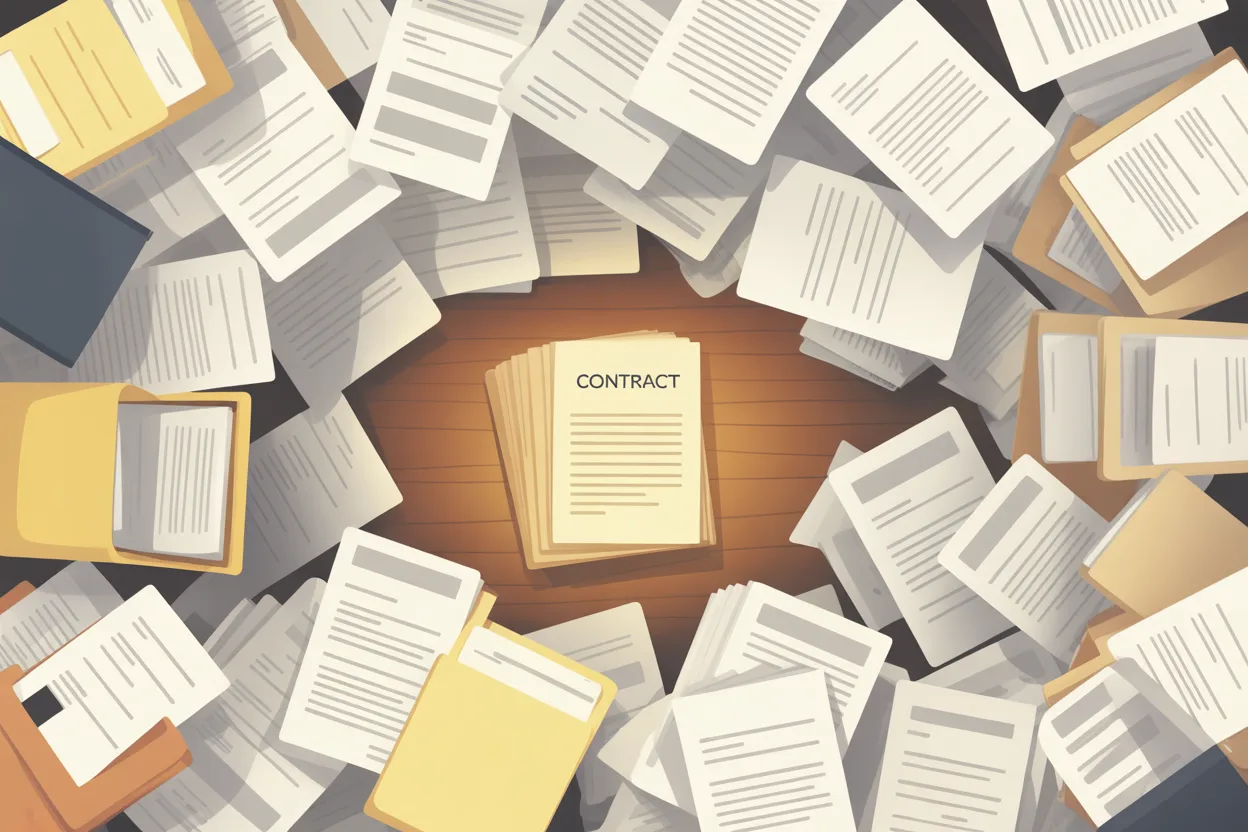
Last year, our CFO needed the original MSA for a vendor we were about to renegotiate. Not the SOW. Not the last amendment. The original agreement, signed four years ago by someone who no longer worked at the company.
I knew it existed. I’d seen it referenced in an email. But I couldn’t find it.
I checked our shared drive. I checked the legal folder. I checked three different “Contracts” subfolders, two of which had been created by different people with different naming conventions. I checked the procurement inbox. I ran a search for the vendor’s name in our file system and got 47 results, most of which were invoices and internal emails about the account.
Four hours later, I found the signed PDF. It was in the Sent folder of the person who’d left the company two years ago. Their email account was still active (IT hadn’t deactivated it), and someone had forwarded me access when I asked. The contract was attached to an email with the subject line “Here you go.”
That was the filing system. “Here you go.”
This problem is bigger than your filing system
Every contracts person I know has a version of this story. The contract that was definitely uploaded somewhere but can’t be located. The amendment that only exists as a scan on someone’s desktop. The fully executed agreement that’s sitting in a folder called “Misc” because someone was in a hurry.
It’s tempting to treat this as an organization problem. Get better at naming files. Build a folder structure. Train people to save things in the right place. And all of that helps, up to a point. But the “where’s that contract?” problem isn’t really a filing problem. It’s a retrieval problem. And retrieval is where things break down in ways that actually cost money.
McKinsey research found that employees spend an average of 1.8 hours every day just searching for and gathering information. That’s 9.3 hours a week. Nearly a quarter of the workweek, gone. That number isn’t specific to contracts, but I can tell you from experience that contracts are among the hardest documents to find because they’re touched by so many teams (legal, finance, procurement, the business unit that owns the vendor relationship) and stored in whatever system each team happens to prefer.
And an Adobe Acrobat survey found that 48% of employees struggle to find documents quickly, with 47% describing their company’s filing system as ineffective. Nearly two-thirds said poor digital organization directly interfered with their productivity.
That all sounds abstract until you’re the person who needs a signed contract for a board meeting in two hours and can’t find it.
Why contracts are harder to find than other documents
I’ve worked with plenty of document management problems, and contracts are consistently the worst. There are a few reasons for this.
They live everywhere. Unlike, say, purchase orders (which usually live in a procurement system) or invoices (which live in an AP system), contracts touch every department. Sales sends the first draft. Legal redlines it. The counterparty’s lawyer sends their version. Finance reviews the payment terms. Someone signs it. Someone else scans it. At every step, someone saves a copy somewhere. By the time a contract is executed, there might be five versions in five different locations, and only one of them is the final signed copy.
They outlive the people who created them. A contract with a three-year term will almost certainly outlast someone’s tenure in a given role. I’ve inherited contracts where the person who negotiated them, the person who signed them, and the person who was supposed to manage them have all moved on. The institutional knowledge of where things were saved leaves with them.
Nobody names them the same way. I’ve seen vendor contracts filed under the vendor’s legal entity name, their trade name, the name of the sales rep who brought them in, and (my personal favorite) the project code that was abandoned six months after signing. Good luck searching for “Acme Corporation” when the file is saved as “Project_Falcon_MSA_FINAL_v3.pdf.”
Scale makes it worse. PwC estimates that the average Fortune 2000 company has between 20,000 and 40,000 active contracts. Even at much smaller companies (the kind I’ve spent my career at), you can easily have 300 to 500 active agreements. When your contract count is in the hundreds and your storage system is “shared drives plus email plus whatever the last person set up,” things go missing. Not dramatically. Quietly. One contract at a time, until someone needs it urgently and can’t find it.
The cost of not finding things
The obvious cost is time. But the less obvious costs are the ones that actually hurt.
Missed renewals. If you can’t find the contract, you can’t check the renewal date. If you can’t check the renewal date, you’re relying on someone remembering it. And people don’t remember it. I wrote a whole post about auto-renewal traps, and the root cause of almost every auto-renewal disaster I’ve seen was the same: nobody could locate the contract in time to review the terms and send a notice.
Weak negotiation position. When you’re renegotiating a vendor agreement and you can’t produce the original terms, you’re negotiating blind. I’ve watched colleagues go into renewal conversations without knowing what the original pricing was, what discounts were negotiated, or what the termination provisions said. The vendor knows. You don’t. That’s not a negotiation; that’s a surrender.
Audit and compliance risk. Auditors ask for contracts. Regulators ask for contracts. When M&A due diligence starts, one of the first requests is a complete inventory of all material agreements. If you can’t produce them, it’s not just embarrassing. It’s a material finding. IDC research found that businesses lose up to 21.3% of productivity due to document-related challenges, and the financial cost of a lost document can run between $350 and $700 per instance in administrative time spent recreating or recovering it.
Duplicate work. If you can’t find the existing NDA with a vendor, someone drafts a new one. If you can’t find the last amendment, someone negotiates the same terms again. I’ve seen the same vendor get three separate NDAs from three different departments at the same company because nobody could locate the one that already existed.
What actually fixes this
I’ve fixed this problem twice at two different companies. Both times, the solution was the same three steps, and the third one is the only one that stuck.
Step 1: Find your contracts. This sounds circular, but it’s the necessary first step. Send an email to every department head: “If you have contracts, vendor agreements, or signed documents, please tell me where they are.” You’ll be amazed at what comes back. In one case, I discovered that an entire set of IT vendor agreements was being managed out of a project manager’s personal OneDrive. Not maliciously. He just needed them and that’s where he put them.
Step 2: Consolidate into one location. Doesn’t matter if it’s a shared drive with good folder structure, a SharePoint library, or a CLM platform. What matters is that there is exactly one place where the final, signed version of every contract lives. Not two places. Not “mostly here, but some are over there.” One place.
The first time I did this, I used a well-organized SharePoint site with consistent naming conventions. It worked for about 18 months until people started saving things elsewhere again because the folder structure was too rigid and search was terrible.
The second time, I used ContractSafe, and the difference was OCR. Every PDF I uploaded got automatically OCR’d and became full-text searchable. So even if someone named the file “Scan_042.pdf” (and someone always does), I could still find it by searching for the vendor name, the contract value, or any clause in the document. That solved the naming problem and the “I know it’s in there somewhere” problem in one step.
Step 3: Make it the only option. The consolidation only works if people actually use it. This means making the repository the default, not an extra step. When a contract gets signed through DocuSign, it should automatically land in the repository. When someone asks “where’s the contract?”, the answer should always be “same place as every other contract.” The moment you allow exceptions (“oh, that one’s in the procurement folder because it’s a PO-based agreement”), you’re back to square one.
The naming convention that actually works
I’ve tried elaborate naming conventions. They don’t last. People don’t follow them, and the moment someone new joins the team, the convention breaks.
The convention I use now is dead simple: [Vendor Name] – [Agreement Type] – [Execution Date]. That’s it.
“Aramark – MSA – 2024-03-15” “Salesforce – Order Form – 2025-01-10” “Jones Day – Engagement Letter – 2023-09-22”
No project codes. No internal reference numbers. No version indicators (because you shouldn’t be saving drafts in the same place as executed agreements). The executed version is the only thing in the repository. If someone needs drafts or redlines, those live in the working folder, which is a separate location.
This convention works because anyone can follow it without training. If you know the vendor name and roughly when the contract was signed, you can find it. And if you don’t know either of those things, search handles it.
Stop solving this problem with heroics
The “where’s that contract?” problem gets solved, every single time, by someone doing the hard work of tracking it down. That person calls three people, searches four drives, checks old email threads, and eventually finds the document. And then they go back to their day, and nothing changes.
The next time someone needs a different contract, the whole process starts over.
That’s the problem with heroics. The individual crisis gets resolved, but the underlying mess stays exactly the same.
The fix isn’t complicated. One repository. OCR so everything is searchable. Consistent naming. Automatic filing from your e-signature tool. An actual person who owns the process and doesn’t let exceptions accumulate.
It took me one full day to get 400 contracts into a searchable system the last time I did it. One day of boring, tedious work that has saved me hundreds of hours since. Every time someone asks “where’s that contract?” and I can pull it up in under a minute, I’m earning back the time I spent on that one bad day of uploading and tagging.
You can keep solving this with heroics. Or you can spend one bad day fixing it for good. I know which one I’d pick.
Leave a Reply