
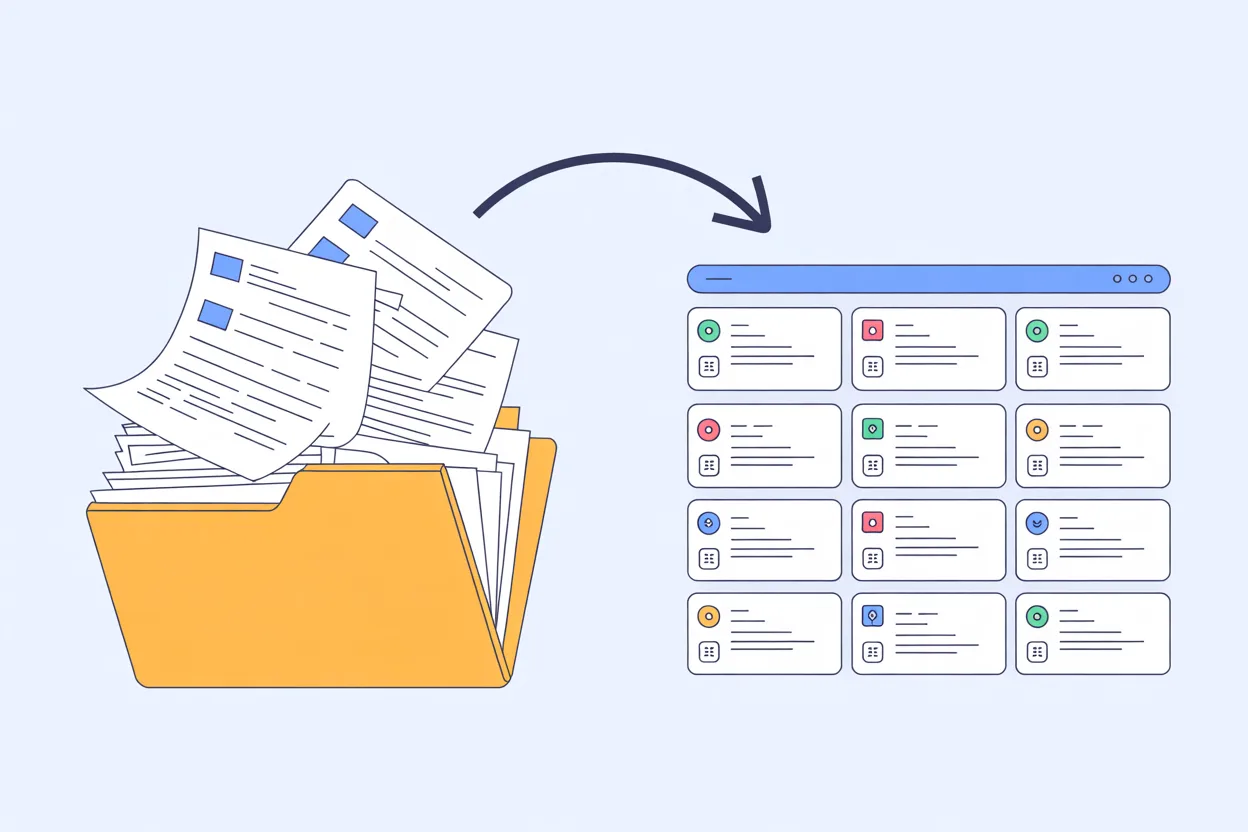
I’ve set up contract repositories at four different organizations. Three of them failed. Not because the software was bad (it wasn’t, mostly) but because nobody thought about what a repository actually needs to do before they bought something and started dumping files into it.
The fourth one worked. It’s the one I still use. And the difference wasn’t the tool. It was the thinking that went into it before anyone uploaded a single PDF.
If you’re evaluating contract repository options right now, or if you already have one and nobody’s using it, this is what I wish someone had told me before I wasted two years on the first three.
The problem isn’t storage. It’s findability.
Here’s the thing about contract repositories that nobody wants to admit: most of them are just shared drives with a login page. You moved your contracts out of Google Drive and into a platform that looks nicer, but if you still can’t find anything without knowing the exact filename, you haven’t actually solved your problem.
And the problem is real. According to the Journal of Contract Management, 71% of companies can’t locate 10% or more of their contracts. Think about that for a second. Seven out of ten organizations have contracts they literally cannot find. Not “it takes a while,” not “we have to ask Karen.” Gone. Missing. Somewhere in a folder structure that made sense to someone who left two years ago.
This tracks with what I’ve seen. When I inherited that mess of 400 contracts across six shared drives, I wasn’t even surprised anymore. I’d seen it before. The first time was at a mid-size logistics company where contracts lived in three places: the legal team’s SharePoint, the procurement team’s G: drive, and the CEO’s email attachments. Nobody trusted any single location because none of them were complete.
Juro’s State of In-House report found that nearly half (47%) of lawyers surveyed still use Google Drive as their contract storage solution. Google Drive. Which is a perfectly fine tool for a lot of things, but it’s not a contract repository any more than a filing cabinet is a database. You can put contracts in it. You cannot meaningfully search them, track their dates, or get alerted when something’s about to expire.
What a repository actually needs to do
After screwing this up three times, I’ve boiled it down to five things that matter. Everything else is nice to have.
1. Full-text search across every document, including scanned PDFs.
This is the single most important feature and the one most people undervalue. If your repository can only search file names and whatever metadata someone manually entered, you don’t have a searchable repository. You have a slightly better filing system.
OCR (optical character recognition) is non-negotiable. Half the contracts you’ll inherit will be scanned PDFs from five years ago. If your system can’t read them, those contracts are invisible. They exist in the repository the way a book exists on a shelf in a language you don’t speak.
When I set up ContractSafe for my current team, the OCR ran automatically on upload. Every PDF became searchable. I found a liability cap buried in a scanned amendment from 2019 that nobody even knew existed. It saved us from agreeing to terms in a renewal that would have been worse than what we already had.
2. Date tracking with automated alerts.
A repository that stores contracts but doesn’t track their key dates is doing maybe 30% of the job. Expiration dates, renewal deadlines, notice periods: these are the dates that cost you money when you miss them. I’ve written about this before (the $45,000 auto-renewal I caught with 11 days to spare wasn’t luck, it was an alert).
The alerts need to be configurable. I set mine for 90 days, 60 days, and 30 days before any renewal or expiration. Different contracts need different lead times. An NDA expiring? Thirty days is fine. A major SaaS platform up for renewal? You need 90 days minimum to negotiate properly.
3. Access controls that don’t require an IT ticket.
One of the repositories I set up (the second failure) had access controls so complicated that people just started emailing contracts to each other instead. Which is how you end up with version control nightmares and contracts living in inboxes instead of the system you paid for.
Good access controls mean you can give legal full access, give finance read-only for the contracts they care about, give procurement edit access to vendor agreements, and give auditors a temporary view. And you can do all of that yourself without submitting a request to IT and waiting three days.
4. A structure people can actually follow.
This one’s on you, not the software. The best repository in the world fails if your folder structure makes sense only to you. I learned this the hard way when I built an elaborate taxonomy at my second company (organized by contract type, then by department, then by vendor, then by year) and discovered that nobody else thought about contracts that way. They thought about them by vendor name. That’s it. “Where’s the Salesforce contract?” Not “Where’s the SaaS agreement filed under IT for Q3 2022?”
My current structure is simple: organized by vendor, with tags for contract type and department. When someone needs something, they search by vendor name first. Works every time.
5. A way to get contracts in without making it painful.
A SpotDraft benchmarking survey found that 49% of legal teams still manage contracts using email, Word documents, and shared folders. Nearly half. And you know what? I understand why. Because if the repository is harder to use than just saving a PDF to a shared drive, people will use the shared drive. Every time.
Your repository needs to make the on-ramp easy. Drag and drop. Bulk upload for migration. Integration with your e-signature tool so signed contracts land in the repository automatically. If getting a contract into the system requires more than two steps, you’ve lost.
What doesn’t matter (as much as vendors want you to think)
A few things I’ve seen repositories marketed on that have never made a difference in practice:
AI-powered clause comparison. Cool demo. Have never once used it in my actual workflow. Maybe if you’re doing M&A due diligence on hundreds of contracts, sure. For day-to-day contract management? I need to find the contract and know when it expires. The AI clause stuff is a nice-to-have at best.
Custom workflow builders. If you need to build a 15-step approval workflow into your repository, you probably don’t need a repository. You need a CLM platform. Those are different things at different price points, and buying the bigger tool because it has more features you won’t use is how you end up in the 75% of in-house counsel who say their contract workflow technology doesn’t meet their needs. You bought a tool that does too much and does none of it well enough.
Beautiful dashboards. I love a good dashboard. But I’ve never seen a contract repository dashboard that anyone looked at more than twice. The data that matters (what’s expiring, what needs attention, what’s missing) should come to you as alerts and reports, not sit on a screen waiting for you to remember to check it.
The migration question
Everyone asks about migration. “We have 500 contracts in SharePoint. How long does it take to move them?”
The honest answer: a day to move them, a week to clean them up, a month before people stop going back to the old system.
Moving files is the easy part. Bulk upload, let the OCR run, and you’re technically done. The hard part is metadata. Someone has to go through those contracts and make sure the key dates, party names, and contract types are right. AI extraction helps (it can pull dates and party names automatically and it’s decent at it) but it’s not perfect, especially on older scanned documents. Budget time for a human to spot-check.
The harder part is behavior change. For a month after migration, people will still go to the shared drive first. That’s habit, not resistance. You break it by making the repository the only place where date alerts live. When someone gets an email that says “Your Acme Corp agreement expires in 60 days” with a link straight to the contract, they click the link. They find the contract. They start going there first. That’s how adoption happens: not by mandate, but by making the new system the path of least resistance for the thing they already need to do.
What I’d do if I were starting from scratch tomorrow
Same thing I did last time, because it worked:
First, I’d get every contract into one system. Doesn’t matter if the metadata is perfect on day one. Get them in, let the OCR and AI extraction do a first pass, and clean up the high-value contracts first. You don’t need 500 contracts perfectly tagged. You need your top 50 vendors’ contracts findable and their dates tracked.
Second, I’d set up alerts for every contract with a renewal or expiration date. This is where the repository starts paying for itself immediately. The SpotDraft survey found that 56% of legal teams take a week or more to close standard contracts like NDAs. You cannot afford to find out about a renewal deadline late when it already takes you a week to get an NDA done.
Third, I’d give everyone access. Not edit access to everything, but at minimum read access so that when procurement needs to check a payment term or finance needs to verify a contract’s end date, they can do it themselves instead of emailing you.
That’s it. Upload, alerts, access. Everything else comes later, if it comes at all.
The best contract repository is the one your team actually opens. Make it easy to search, hard to miss a deadline, and simple enough that nobody needs training beyond “here’s the link, type what you’re looking for.” That’s what works. I’ve tried the complicated version three times. Simple wins.
Leave a Reply